vw jetta infotainment system not working after battery change

Why This Always Seems to Happen at the Worst Time
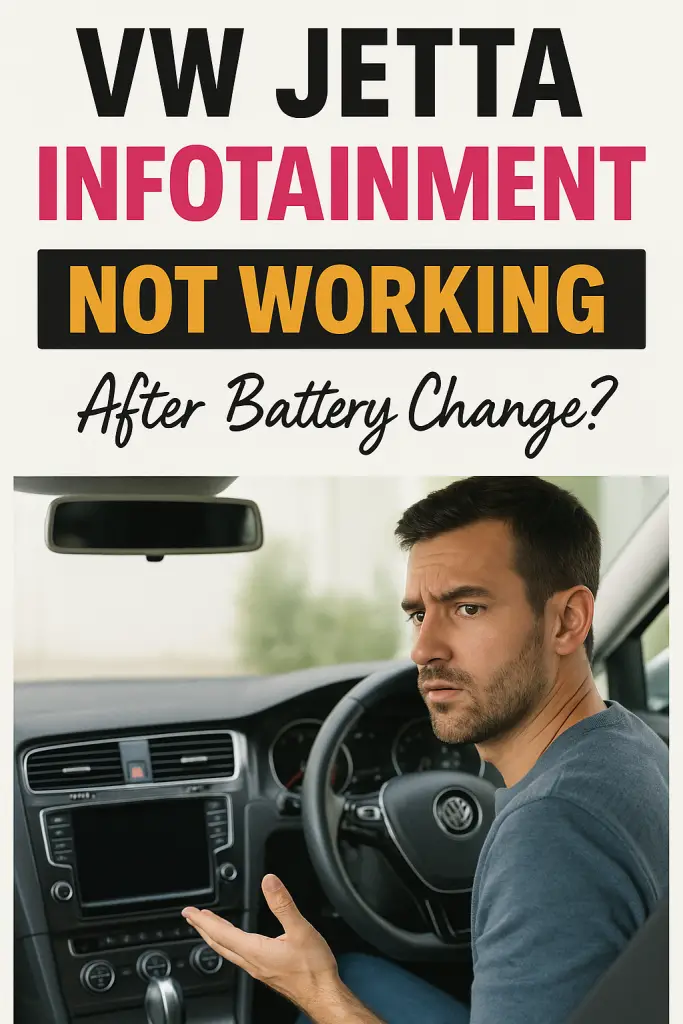
You swap out the battery in your VW Jetta, hop back into the driver’s seat, turn the key… and boom—the infotainment system is dead. No radio. No Bluetooth. No CarPlay. Just a blank screen staring back at you like it’s judging your life choices. Sound familiar?
I’ve been there myself, and trust me, it’s one of those moments that instantly makes you think, “What did I break now?” The good news? In most cases, nothing is actually broken. After a battery change, the VW Jetta infotainment system can act up for a bunch of very fixable reasons. Let’s walk through it together, like two car nerds chatting in a garage, coffee in hand ☕.
Why a Battery Change Can Mess With the Infotainment System
Modern cars like the Jetta are basically computers on wheels. When you disconnect the battery, the car doesn’t just lose power—it loses stored data, settings, and module communication.
Think of it like unplugging your home Wi-Fi router. When it comes back on, everything usually reconnects… but sometimes it doesn’t.
Common things affected after a battery change include:
- Infotainment head unit resets
- Lost communication between control modules
- Security lockouts (yes, radios still do this)
- Voltage dips during reconnection
IMO, Volkswagen systems are especially sensitive to voltage changes, which explains why this issue is so common.
First Things First: The Simple Checks Everyone Skips
Before you panic or start pricing out a new head unit, let’s knock out the easy stuff.
Confirm the Battery Installation
This sounds obvious, but you’d be shocked how often this is the issue.
Check the following:
- Battery terminals are tight (no wiggle at all)
- No corrosion on terminals or clamps
- Correct battery type (AGM vs standard, correct CCA rating)
A loose terminal can provide enough power to start the car but not enough stable voltage for the infotainment system.
Let the Car “Wake Up”
After a battery change, the Jetta sometimes needs time to reinitialize systems.
Try this:
- Lock the car.
- Walk away for 10–15 minutes.
- Unlock and start it again.
FYI, this allows control modules to fully shut down and restart cleanly.
Soft Reset: The Infotainment System’s Best Friend
This is the fix that works more often than people expect.
How to Perform a Soft Reset
Most VW Jetta models allow a reset like this:
- Press and hold the power/volume knob for 10–15 seconds
- Release when the screen restarts or logo appears
This forces the system to reboot, similar to restarting your phone.
Pro tip: If nothing happens the first time, try again with the ignition on but engine off.
Fuse Issues That Love to Appear After Battery Changes
Fuses don’t just blow randomly. Sometimes, a voltage spike during reconnection is all it takes.
Check These Common Fuses
Depending on model year, look in:
- Interior fuse box (driver’s side dash)
- Engine bay fuse panel
Focus on fuses labeled:
- Radio
- Infotainment
- MIB / Multimedia
Even if a fuse looks fine, swap it with a known good one of the same amperage. Micro-fuses can fail invisibly.
Radio Security Lock: The Silent Screen Culprit
Older Jettas (and some newer trims) may activate radio theft protection after power loss.
Signs This Is the Issue
- Screen powers on but shows “SAFE”
- Screen stays black but buttons light up
- No audio at all
In many cases, the system requires a radio security code.
How to Get the Code
You can usually find it:
- In the owner’s manual
- On a card provided when the car was new
- Through a VW dealer (with VIN + proof of ownership)
Yes, it’s annoying—but it’s also cheaper than replacing hardware.
Software Glitches and Frozen Modules
Sometimes the infotainment system doesn’t fail—it just freezes mid-boot.
Signs of a Software Glitch
- Stuck on VW logo
- Black screen with backlight
- Touchscreen unresponsive
- Bluetooth and CarPlay gone
In these cases, a deeper reset helps.
Hard Reset Method
Try this sequence:
- Turn ignition off
- Disconnect negative battery terminal
- Wait 15–20 minutes
- Reconnect terminal securely
- Start the car and wait patiently
This drains residual power from the system and forces a clean boot.
When the Battery Itself Is the Problem
Not all new batteries are created equal.
Common Battery-Related Issues
- Battery voltage too low at rest
- Incorrect battery coding (for AGM systems)
- Cheap aftermarket batteries with unstable output
VW vehicles are picky. If your Jetta originally came with an AGM battery and you replaced it with a standard one, the infotainment system may behave strangely.
Bottom line: Always match the factory battery specifications.
Battery Coding: The Step Most DIYers Miss
Newer VW Jettas require battery registration or coding after replacement.
Why Battery Coding Matters
The car’s energy management system needs to know:
- Battery capacity
- Battery type
- Battery age
Without proper coding, voltage regulation can go haywire, affecting sensitive electronics like the infotainment system.
How It’s Done
- VW dealer scan tool
- OBD tools like VCDS or OBDeleven
If your infotainment issues started immediately after a battery swap, this step is worth checking.
Wiring and Ground Connections You Should Inspect
If none of the resets worked, it’s time to look at physical connections.
Areas to Check
- Ground wires near the battery
- Grounds under the dashboard
- Wiring harness behind the infotainment unit
A loose or corroded ground can cause intermittent or total system failure. I’ve personally fixed a “dead” infotainment system by tightening one hidden ground bolt—no joke.
When It’s a Head Unit Problem (Rare, But Possible)
In rare cases, the infotainment system itself fails during a voltage surge.
Signs of a Faulty Head Unit
- No response to resets
- Screen completely dead
- No power, no backlight, no sound
Before replacing anything expensive, always:
- Scan for fault codes
- Verify power and ground at the unit
- Check related fuses again
Replacement should be the last resort, not the first guess.
Common Questions Jetta Owners Always Ask
Will driving fix the problem?
Sometimes, yes. Short trips can help modules recalibrate, but don’t count on it.
Can I fix this without a dealer?
Absolutely. Most fixes are DIY-friendly and cost nothing.
Is this a known VW issue?
Yes. Battery-related infotainment glitches are very common across VW models.
Preventing This Next Time
If you ever replace the battery again, here’s how to avoid a repeat.
Smart Battery Swap Tips
- Use a memory saver tool
- Replace battery with ignition off
- Match battery type exactly
- Code the battery if required
A little prep saves a lot of frustration.
Final Thoughts: Don’t Panic, Your Jetta Isn’t Broken
If your VW Jetta infotainment system is not working after a battery change, take a breath. This issue feels scary, but it’s usually just a system reset, fuse, or coding problem—not a dead radio.
Start simple. Work step by step. Nine times out of ten, the fix is quick and cheap. And hey, once it’s back on, you’ll appreciate that first song a little more than usual 😄.
If you’re still stuck, grab a scan tool or chat with a VW tech—but don’t assume the worst right away. Cars are smarter than ever, but sometimes they just need a gentle reboot… kind of like us.

![How To Turn Off Daytime Running Lights Volkswagen: [Find Out]](https://volkswagenbuddy.com/wp-content/uploads/2024/02/how-to-turn-off-daytime-running-lights-volkswagen-find-out_1870-768x531.jpg)
![How To Get A Volkswagen Key Made [Explained]](https://volkswagenbuddy.com/wp-content/uploads/2024/02/how-to-get-a-volkswagen-key-made-explained_1652-768x531.jpg)
![Is Porsche Part Of Volkswagen [Explained]](https://volkswagenbuddy.com/wp-content/uploads/2024/02/is-porsche-part-of-volkswagen-explained_1653-768x531.jpg)
![Volkswagen Beetle Radio Not Working: [Cause & Proven Fixes]](https://volkswagenbuddy.com/wp-content/uploads/2024/02/volkswagen-beetle-radio-not-working-cause-proven-fixes_208-768x531.jpg)
![Volkswagen Tiguan Key Fob Not Working: [You Should Try This]](https://volkswagenbuddy.com/wp-content/uploads/2024/02/volkswagen-tiguan-key-fob-not-working-you-should-try-this_486-768x531.jpg)
![09 Volkswagen Routan Ac Not Working [Step-By-Step Fixes]](https://volkswagenbuddy.com/wp-content/uploads/2024/05/09-volkswagen-routan-ac-not-working-step-by-step-fixes_3916-768x531.jpg)